-01-1.png?width=1200&height=238&name=Logo%20-%20Social%20(V001)-01-1.png)
Wondering what to post on social media next? Instead of guessing, let Google tell you.
If you're a loan officer, real estate agent, or marketer, you've probably asked yourself one of these questions recently:
- What should I post this week?
- Why isn't my website getting more traffic?
- How do I show up in Google and AI search results more often?
- What topics are my potential clients actually searching for?
The answer might already be sitting inside a free tool you probably haven't opened in months.
Google Search Console isn't just an SEO dashboard – it's one of the best free audience research tools available.
Instead of guessing what your audience wants to know, it shows you the searches that are already helping people discover your website.
Those insights can become your next blog post, Instagram Reel, LinkedIn article, YouTube video, FAQ page, or email newsletter.
So if you've been struggling to come up with content ideas that actually attract business, this is one of the easiest places to start.
Jump to:
🚨 What is Google Search Console? | ✅ Connecting Your Social Media Accounts | 👀 Use AI to Turn Insights Into Content Ideas | 📚 Resources + FAQs
What Is Google Search Console?
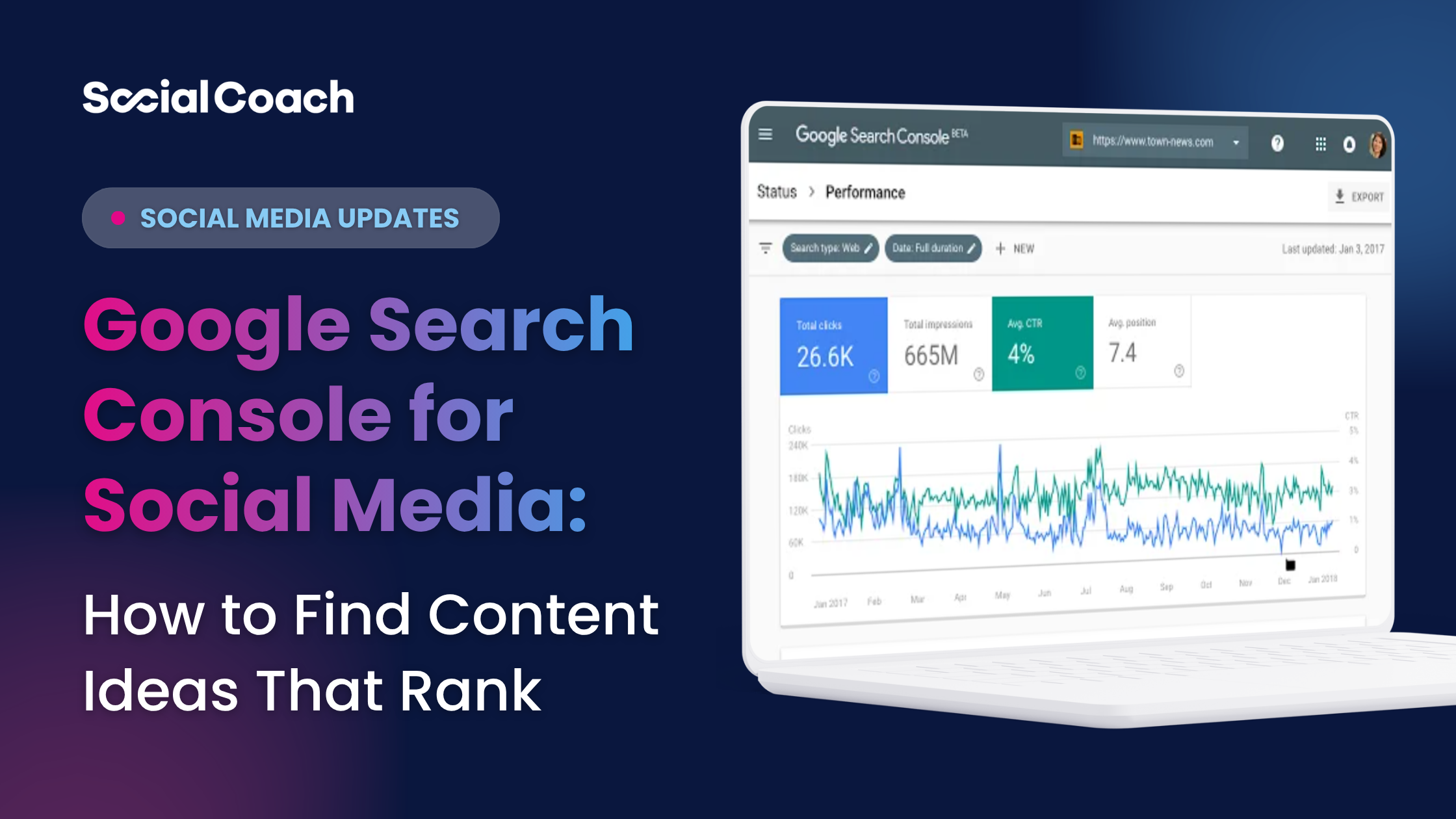
Google Search Console is a free tool from Google that shows how your website performs in search results.
Instead of guessing what people might search for, you can see:
- Which search queries bring people to your website
- Which pages appear in Google most often
- Which searches earn clicks
- Which searches get impressions but few clicks
- Where you're ranking
- Which pages have the biggest opportunity to improve
Think of it as a report card directly from Google, so instead of guessing what content works, Google tells you.
Why Google Search Console Matters More Than Ever
Recently, Google updated the Search Console to allow creators and businesses to connect their Instagram, TikTok, YouTube, and X accounts and see how their social content performs in Google Search, Google Discover, and Google News.
Which means now, for the first time, you can see which search queries are leading people to your social posts, which posts are earning visibility in Google, and where your biggest content opportunities exist.
Most social media analytics tell you what happened after someone found your content. Google Search Console answers a different question:
How did someone discover your content in the first place?
This means your social media strategy and your SEO strategy are becoming more connected than ever.
Because instead of brainstorming content from scratch, you can create content around topics Google already associates with your business.
Here's how to use this new data to create content that improves both your SEO and your visibility across AI-powered search.
Step 1: Connect Your Social Accounts to Google Search Console
Start by opening Google Search Console here. Then click Start now.
Setup only takes a few minutes.
- Open Google Search Console.
- Click Add Property.
- Choose your platform (Instagram, TikTok, YouTube, or X).
- Follow the verification prompts to authorize your account.
Google will begin collecting data after your account is connected.
Note: It takes a day or two for insights to start showing up in your Google Search Console. Complete this step, then come back once your insights have loaded.
Step 2: Turn Search Queries Into Your Next Month of Content
Follower count is interesting, but search queries are actionable.
Every search query represents a question someone wanted answered. Instead of treating those queries as SEO keywords, treat them as content ideas.
Inside your Platform Property, pay attention to:
- Which search terms lead people to your posts
- Which posts earn the most impressions in Google
- Which content gets clicks from Search
- Which topics are trending up over time
This tells you something your native social analytics can't:
What Google already associates you with.
That's incredibly valuable if your goal is to become known for specific topics like first-time home buying, VA loans, luxury real estate, or refinancing.
Instead of making one post, build a content series. One search query can become:
- An Instagram Reel
- A LinkedIn post
- A carousel
- A YouTube Short
- A FAQ article
- A Google Business Profile update
- A blog article
You're no longer guessing what to create – instead, you're creating content around topics people are already searching for and routing them back to YOUR content.
Step 3: Find "Almost Ranking" Opportunities
One of the most useful reports isn't your top-performing content. It's the content that's almost performing.
Look for posts with:
- High impressions
- Lower clicks
- Growing search visibility
Then ask yourself:
- Could the caption better match the searcher's question?
- Would a clearer title or on-screen hook improve click-through?
- Should this become a deeper blog or video?
Sometimes your next best-performing piece of content isn't a brand-new idea – it's expanding on one Google is already surfacing.
Bonus: Let AI Turn Your Search Data Into a Content Calendar
Here's one workflow we're especially excited about.
Export your Search Console performance data, then upload it into ChatGPT or your preferred AI assistant.
Try a prompt like this:
Analyze this Google Search Console export and identify my biggest content opportunities. Group similar search queries into themes, recommend blog topics, Instagram Reels, LinkedIn posts, YouTube videos, and FAQs, then organize everything into a 30-day content calendar prioritized by likely business impact.
This is far more effective than asking AI for generic content ideas because the recommendations are based on real search behavior from your audience—not assumptions.
You can even ask follow-up questions like:
- Which topics suggest high buying intent?
- What questions should I answer in a video?
- Which searches deserve a content series?
- What themes am I missing completely?
Think of AI as your content strategist – not just your caption writer.
If You Use SocialCoach...
This workflow becomes even easier.
Take one high-intent search query and turn it into multiple pieces of content using:
- AI Caption Coach to draft an SEO-friendly caption.
- Video Catalyst to quickly record and edit an educational video.
- Automated scheduling to publish across your connected social accounts.
- My Video Pages to create an evergreen landing page that answers the question in more depth and gives prospects an easy way to contact you.
Instead of wondering what to post next, you build your content around questions people are already asking.
If you want help making it easy to stay visible on social media consistently, book a demo with our team today.
The Bigger Picture
This update isn't just about Google Search Console. It's about what this tells us about where search is headed.
Google is telling us that social media content deserves a place in search alongside traditional websites.
That means your Instagram posts, YouTube videos, and TikToks aren't just social content anymore.
They're searchable assets.
The businesses that win over the next few years won't be the ones creating the most content.
They'll be the ones creating content that answers real questions, builds trust, and shows up wherever people are searching – whether that's Google Search, LLMs, or the social platforms themselves.
If you're already investing time in social media, this new Search Console data gives you a clearer roadmap for creating content with lasting value instead of guessing what might work.
🗓️ Want more insights like this each month?
Every month we go live for 1 hour to share practical ways loan officers, agents, and marketers can stay ahead of platform updates, improve their content strategy, and use new tools like Google Search Console to create content that attracts more business.
Join our next Social Media Strategy Session live on Zoom:
🗓️ First Thursday of Every Month
🔗 Register here
Or subscribe to our YouTube channel to watch full session replays.
📌 SHARE this blog post with someone on your team who could use a refresh, and follow SocialCoach to keep winning on social together.
❓Frequently Asked Questions About Google Search Console for Social Media
What are Platform Properties in Google Search Console?
Platform Properties are a new property type in Google Search Console that let you connect Instagram, TikTok, YouTube, and X accounts to track how your content performs in Google Search, Discover, and Google News. Instead of only tracking website performance, you can now see how your social content is being discovered through Google search experiences.
Can you connect Instagram to Google Search Console?
Yes. Google now allows supported social media accounts, including Instagram, to be added as Platform Properties in Google Search Console. This lets creators and businesses see how their Instagram content performs in Google Search and Discover.
Can I use Google Search Console without a website?
Yes. With Platform Properties, you can connect supported social media accounts directly to Google Search Console without owning or verifying a website. This makes Search Console useful for creators, loan officers, real estate agents, and marketers who primarily publish content on social media.
How do I use Google Search Console to find content ideas that rank?
Google Search Console helps you identify the search queries that are already leading people to your content. Instead of guessing what to post next, review the queries generating impressions and clicks, then turn those topics into blog posts, Instagram Reels, LinkedIn articles, FAQs, YouTube videos, or email newsletters. Building content around real search demand helps improve both your search visibility and the relevance of your social media strategy.
What can I learn from Google Search Console's social media reports?
You can see which search queries lead people to your social posts, which posts receive impressions and clicks from Google, your top-performing content, and overall discovery trends across supported platforms.
Google Search Console's social media reports can help you understand:
- Which search queries are leading people to your content
- Which posts receive the most impressions in Google
- Which posts earn the most clicks
- What topics Google already associates with your profile
- Which content has opportunities to improve
These insights can help you create more content around topics your audience is already searching for instead of relying on guesswork.
How can marketers use this data to create better content?
Instead of brainstorming topics from scratch, review the search queries that are already driving impressions to your social profiles. Those searches reveal what your audience wants to learn. From there, you can turn one high-interest topic into a blog post, Instagram Reel, LinkedIn article, YouTube Short, FAQ page, Google Business Profile post, or email newsletter.
Creating content around real search behavior helps improve both discoverability and relevance.
Can AI help analyze my Google Search Console data?
Absolutely. Export your Google Search Console data and upload it into ChatGPT or another AI assistant. Ask it to identify recurring themes, group similar search queries, uncover content gaps, recommend high-intent blog topics, or build a 30- or 90-day content calendar.
Because the recommendations are based on your actual search data, the output is typically much more relevant than asking AI for generic content ideas.
How do I improve my social media SEO?
Improving social media SEO starts with creating content people are actively searching for.
Some best practices include:
- Answer common questions your audience asks.
- Use keywords naturally in your captions, titles, and on-screen text.
- Say important keywords out loud in your videos, as many platforms analyze spoken words.
- Write clear, descriptive profile bios.
- Publish consistently around a handful of core topics so search engines understand your expertise.
- Repurpose high-performing content into multiple formats.
- Review Google Search Console regularly to discover new content opportunities.
The goal isn't to "stuff" keywords into your posts – it's to make your content easier for both people and search engines to understand.
What is the difference between Search Console and Google Analytics?
Although both tools are free from Google, they answer different questions.
Google Search Console focuses on how people discover your content through Google Search. It shows search queries, impressions, clicks, average position, and indexing information.
Google Analytics focuses on what people do after they arrive. It tracks website traffic, user behavior, conversions, engagement, and other on-site metrics.
Think of it this way:
- Search Console = How people found you
- Google Analytics = What they did after they found you
Using both together provides a more complete picture of your marketing performance.
Does Google Search Console help with AI search?
Indirectly, yes.
Google Search Console doesn't report searches from tools like ChatGPT, but it does show the topics and queries Google already associates with your content. Creating more helpful, authoritative content around those topics can strengthen your visibility in Google Search and increase the likelihood that your content is surfaced in AI-powered search experiences like Google AI Overviews.
What types of social media content are most likely to appear in Google Search?
Content that clearly answers specific questions tends to perform best.
Educational videos, FAQs, how-to posts, industry explainers, and content with descriptive titles and relevant keywords are more likely to be indexed and surfaced in search than vague or purely promotional posts.
For loan officers and real estate professionals, topics like mortgage programs, first-time home buying, refinancing, affordability, and local market questions are good examples of content that can perform well in both social feeds and search results.
Free Resources:
-
2026 Social Media Content Calendar for Mortgage & Real Estate Pros
- 10 Most Popular Video Scripts for Loan Officers & Agents
Related Resources
- Loan Officer Social Media Analytics: How to Read Your Team's Performance Data (And Actually Use It) – Learn which metrics actually matter and how to turn analytics into better content decisions.
- The 2026 Social Selling Strategy That Actually Works – See how leading marketing teams are building scalable social selling programs that generate measurable business results.
- How to Measure Social Media ROI for Mortgage Teams: A 3-Layer Framework – Connect your content efforts to meaningful business outcomes instead of vanity metrics.
📩 Never Miss an Update
Subscribe to The Huddle, the biweekly newsletter for mortgage and real estate pros that delivers the latest social selling tips, trends, and tactics straight to your inbox.
📲 Follow SocialCoach on social media for more weekly tips & tools
🔗 Share this blog post with anyone you know who could use these tips to